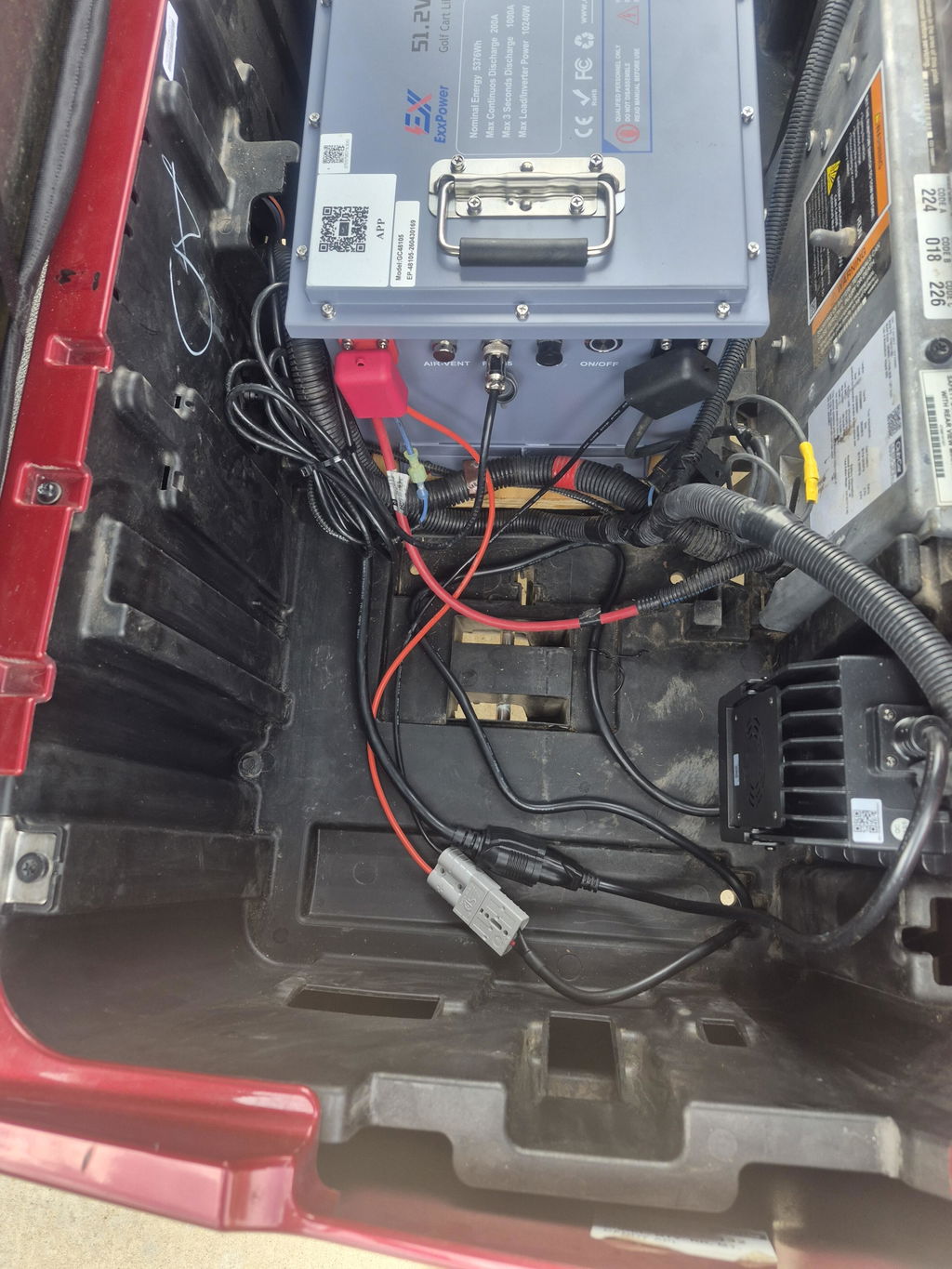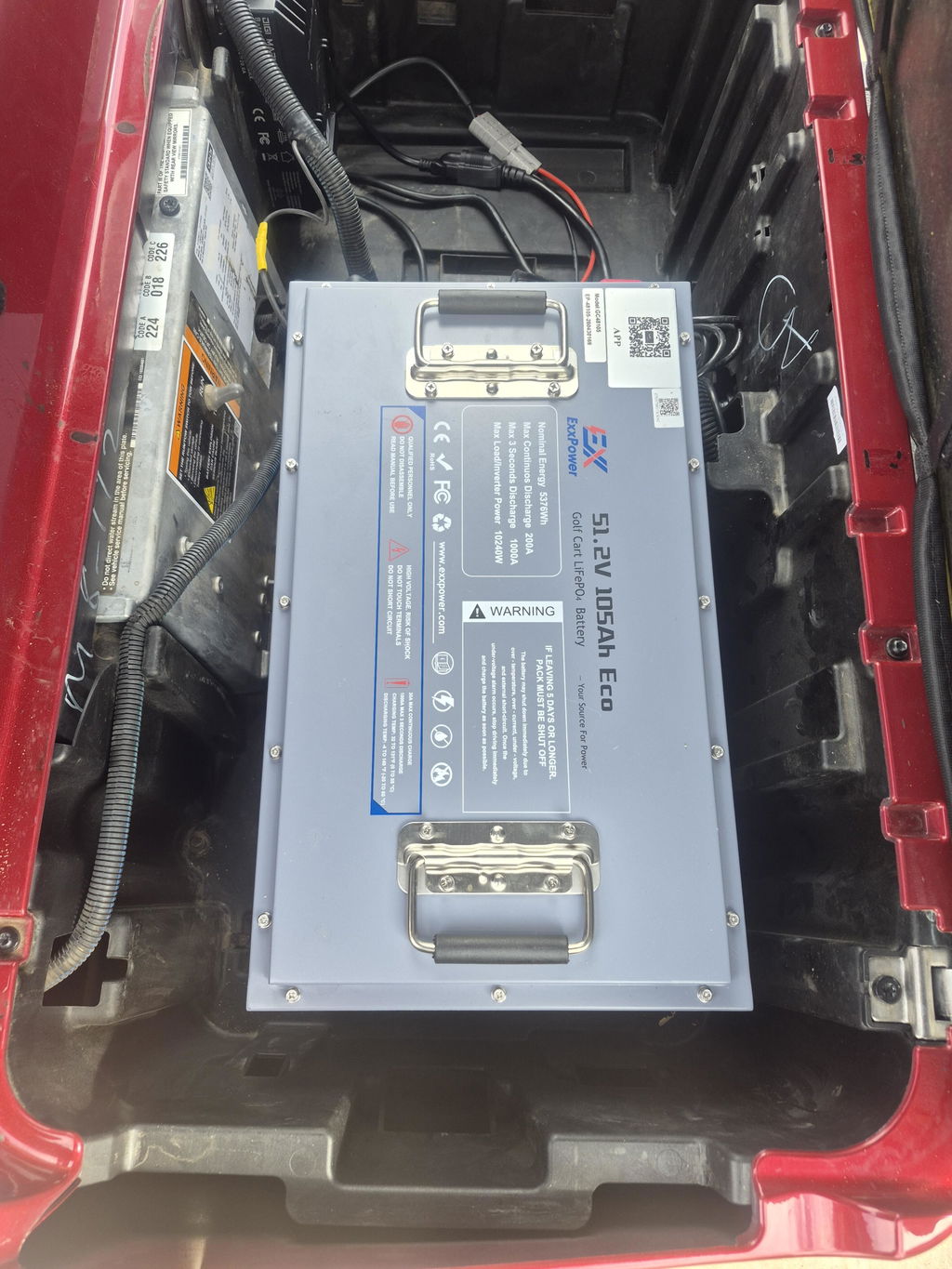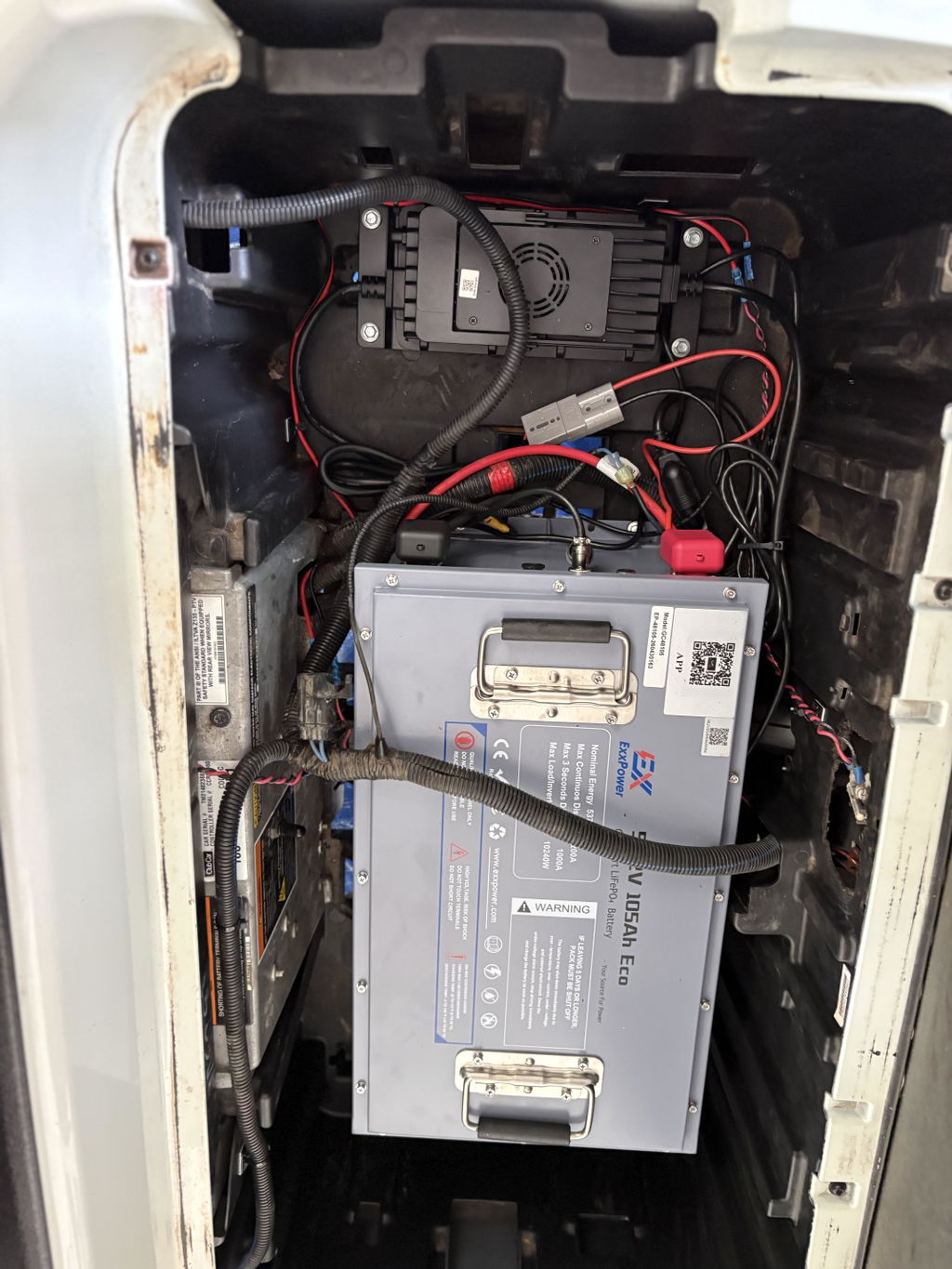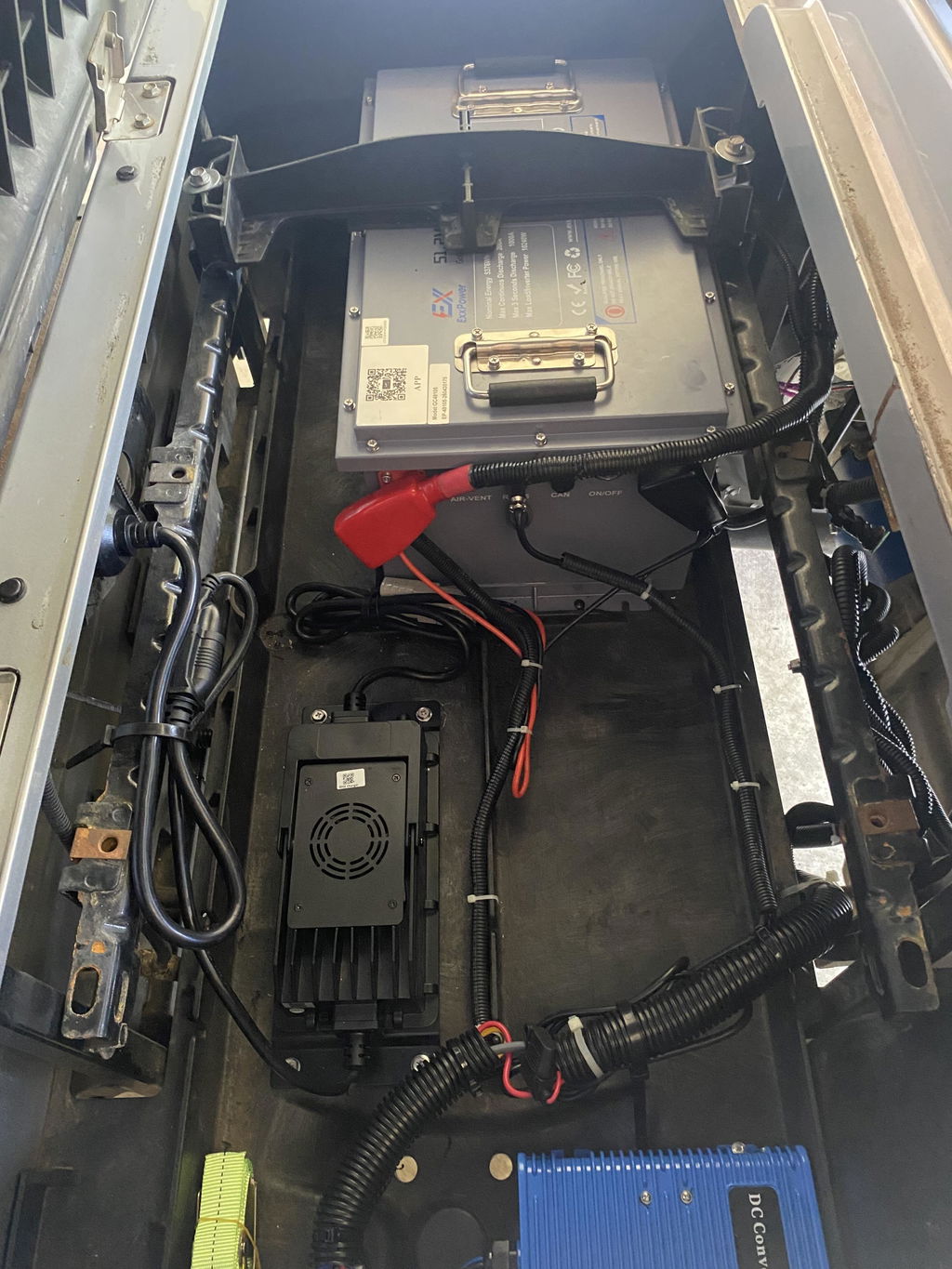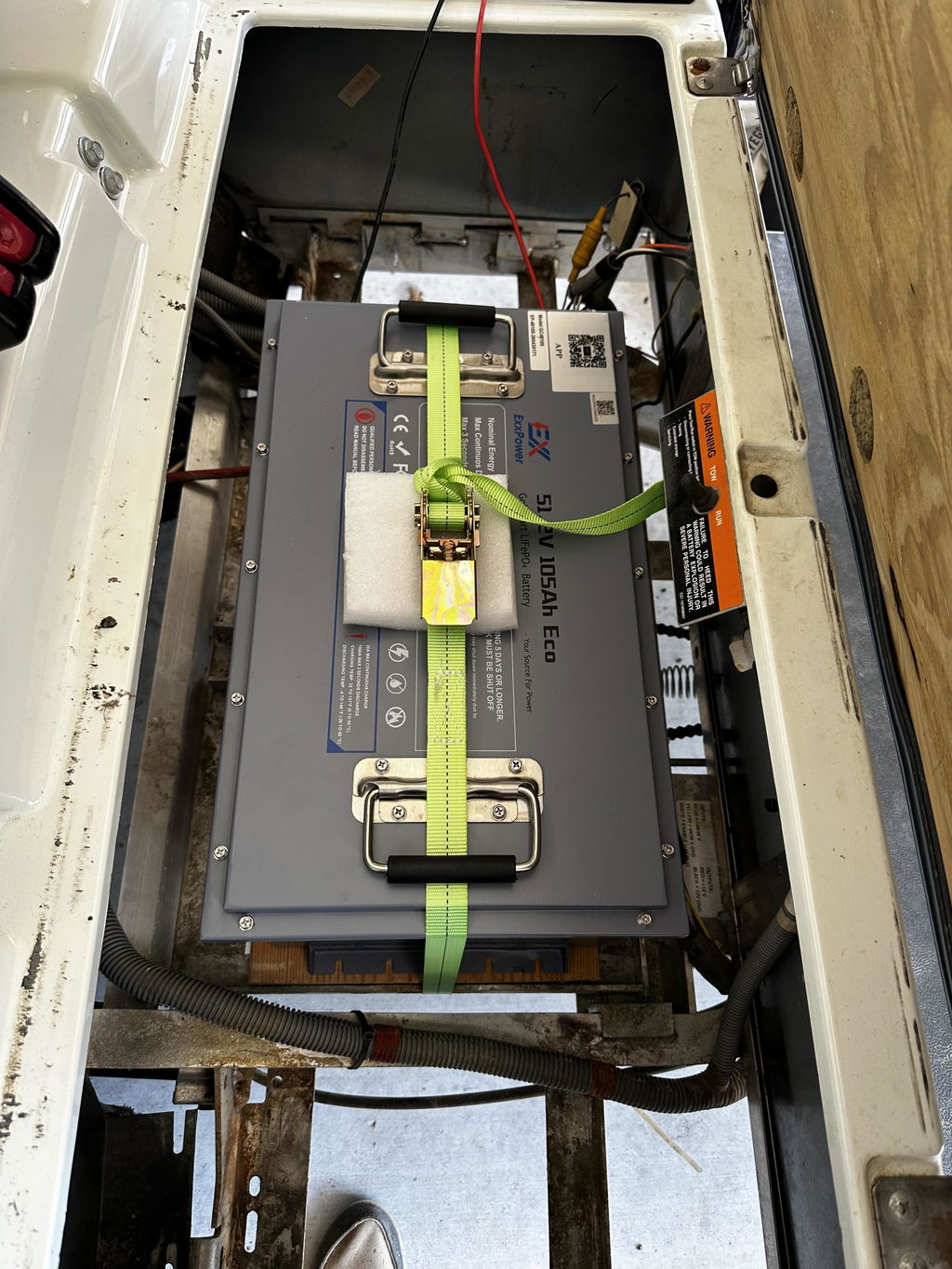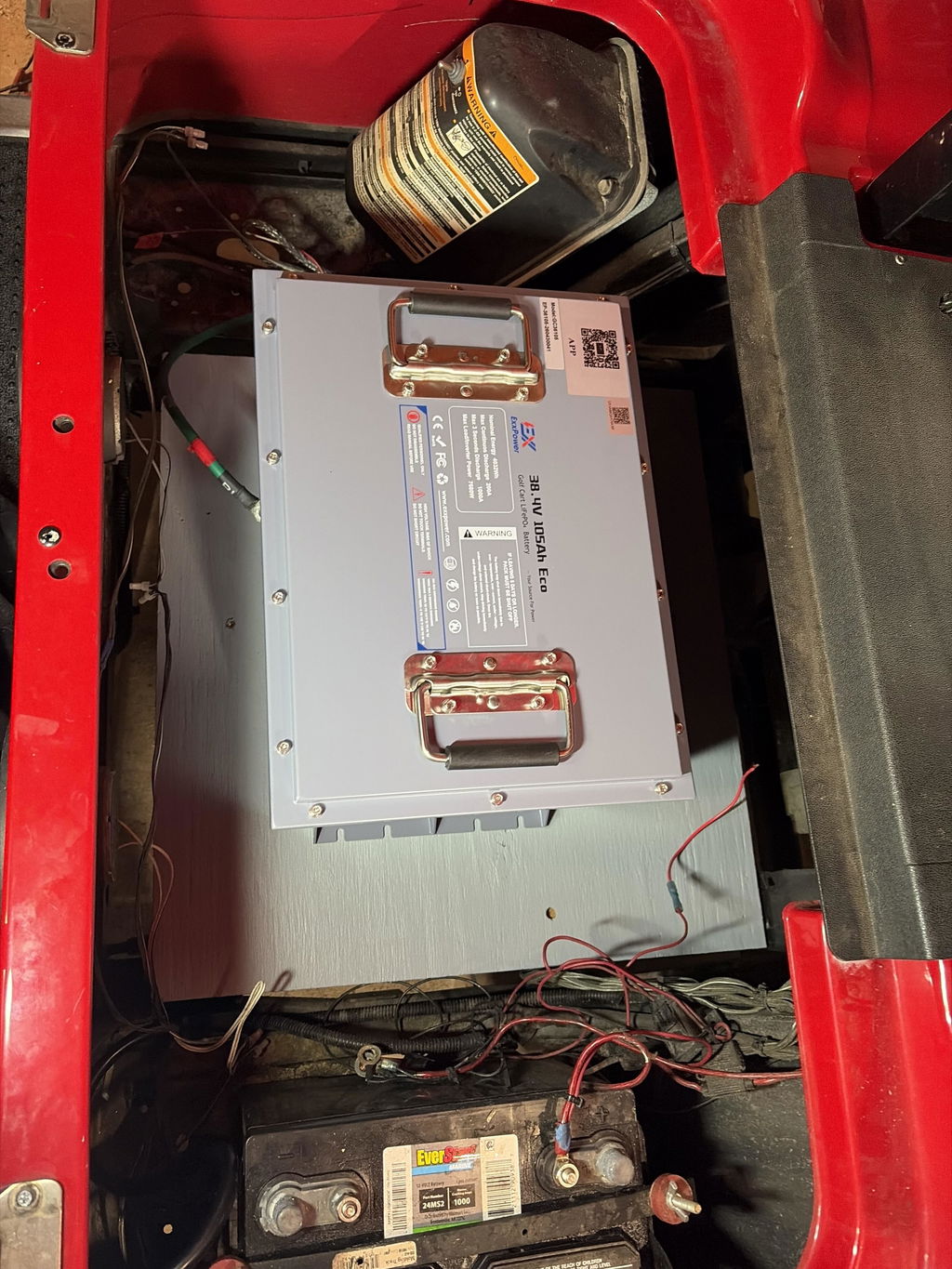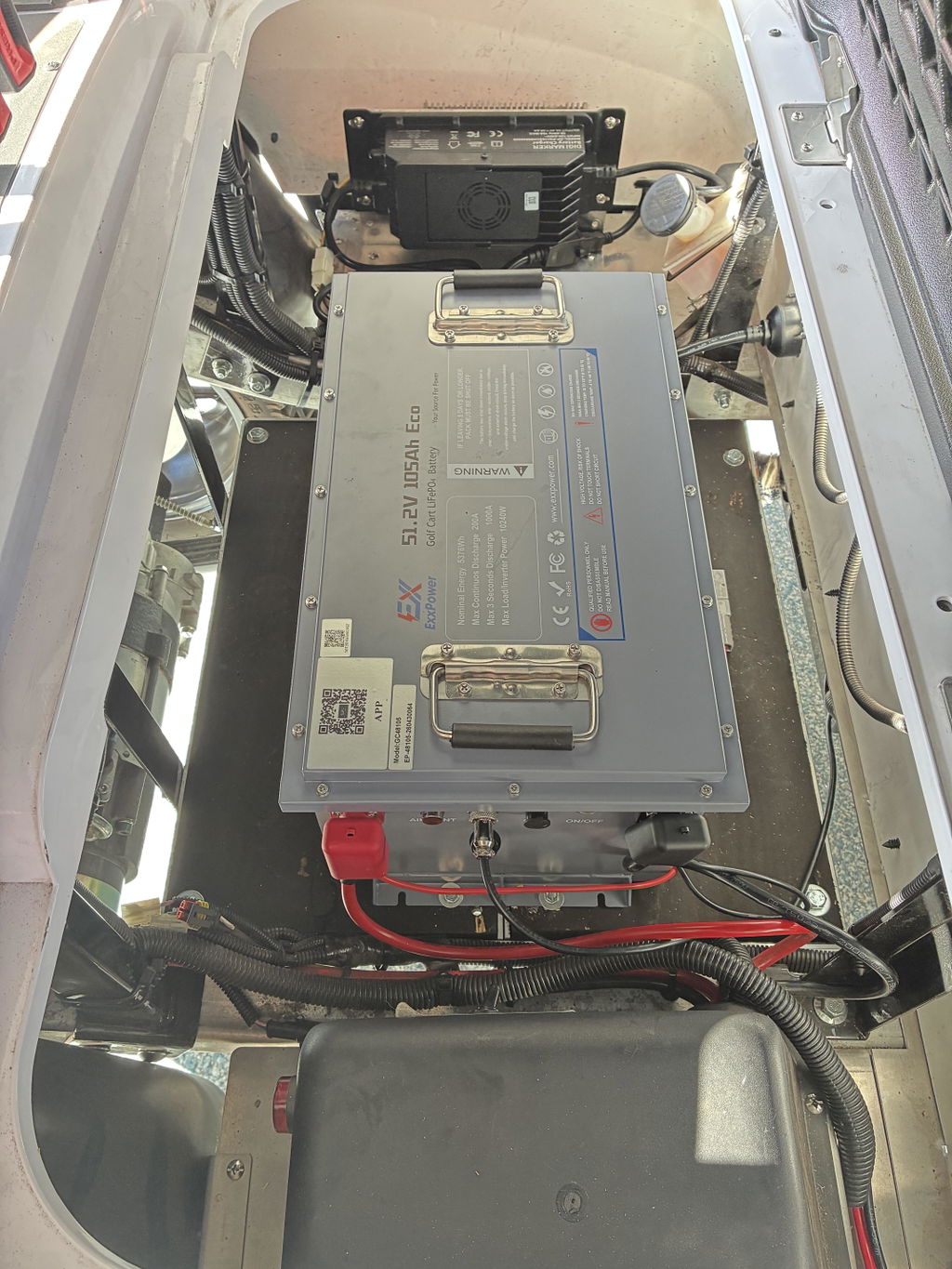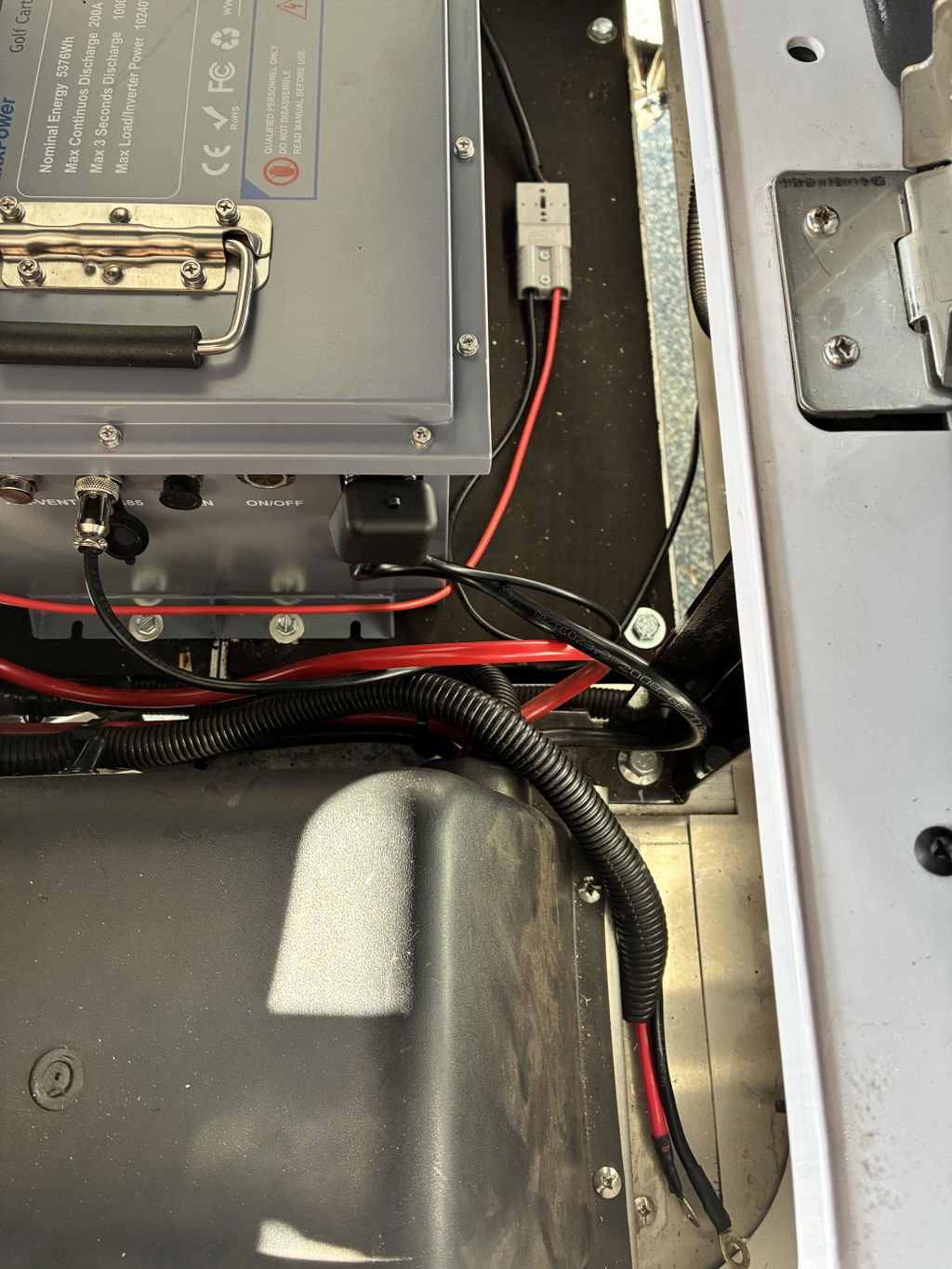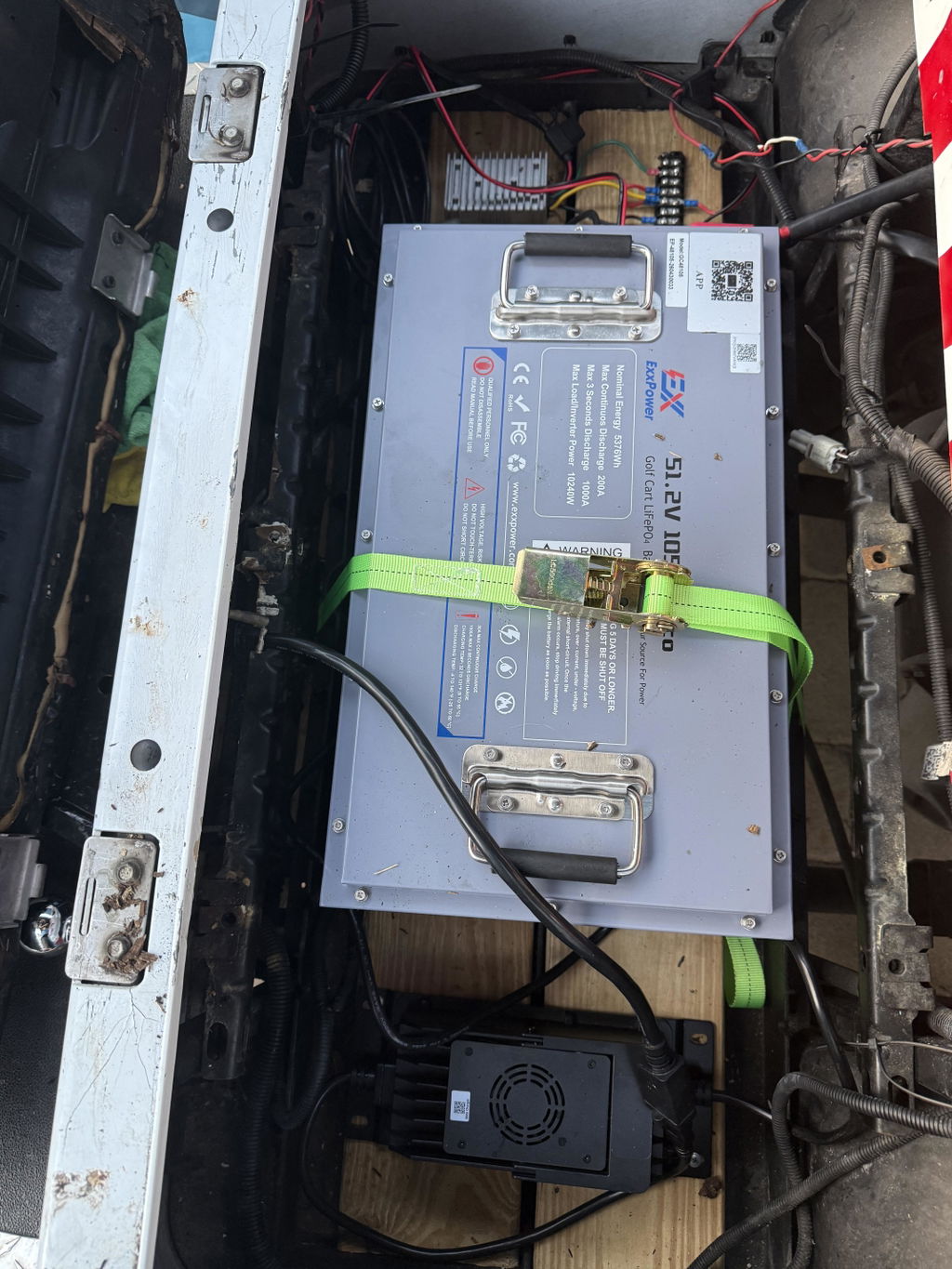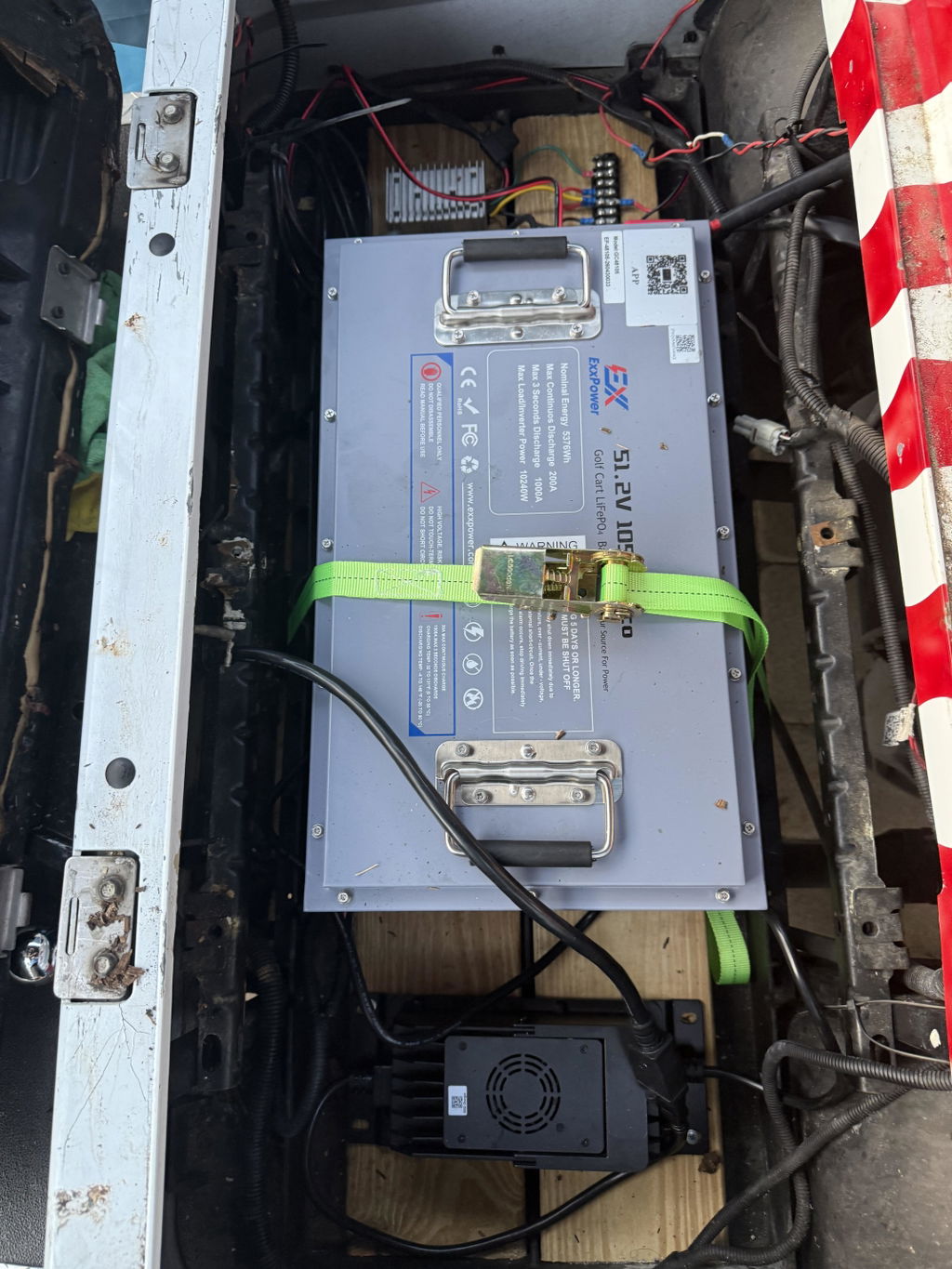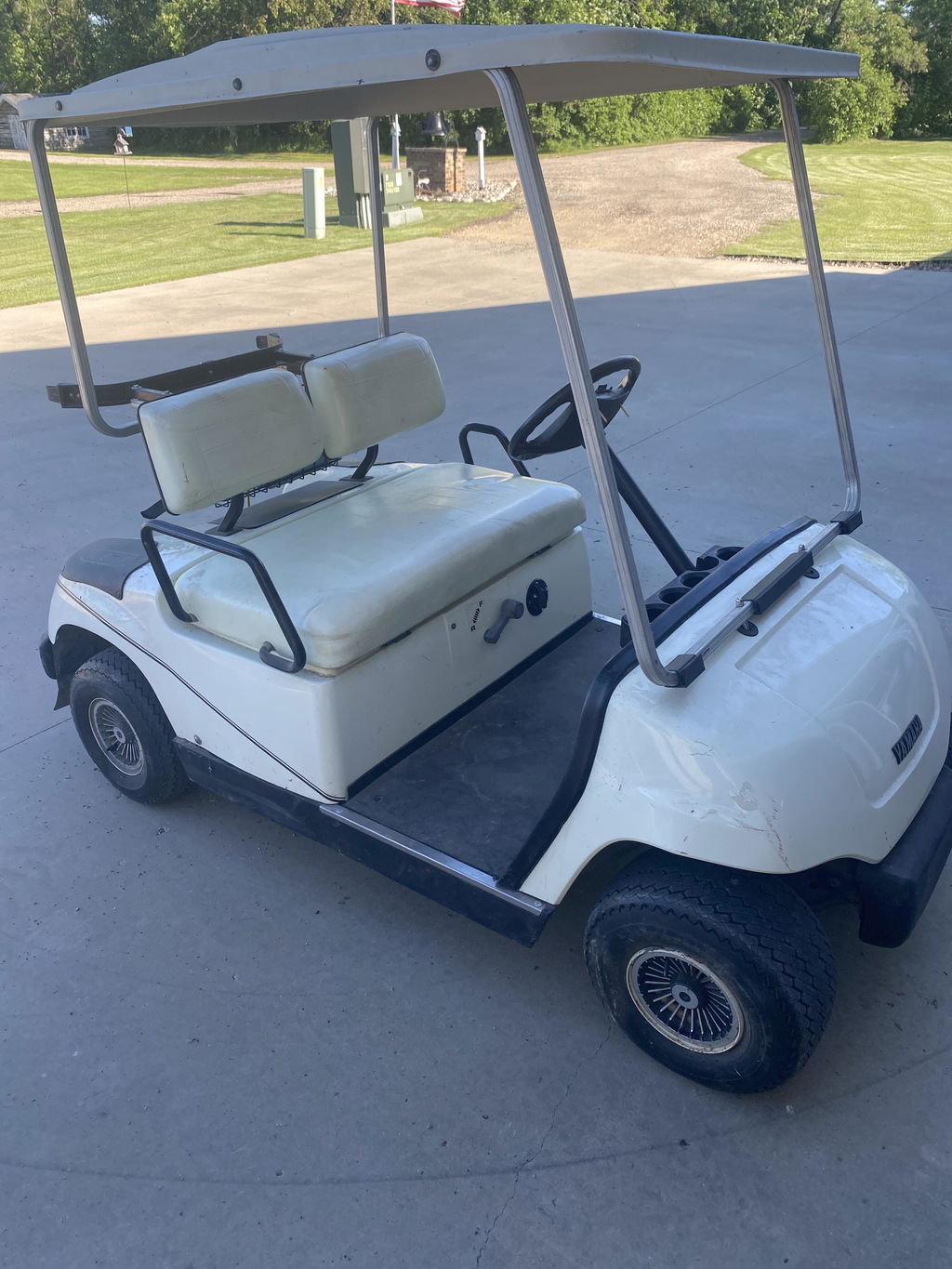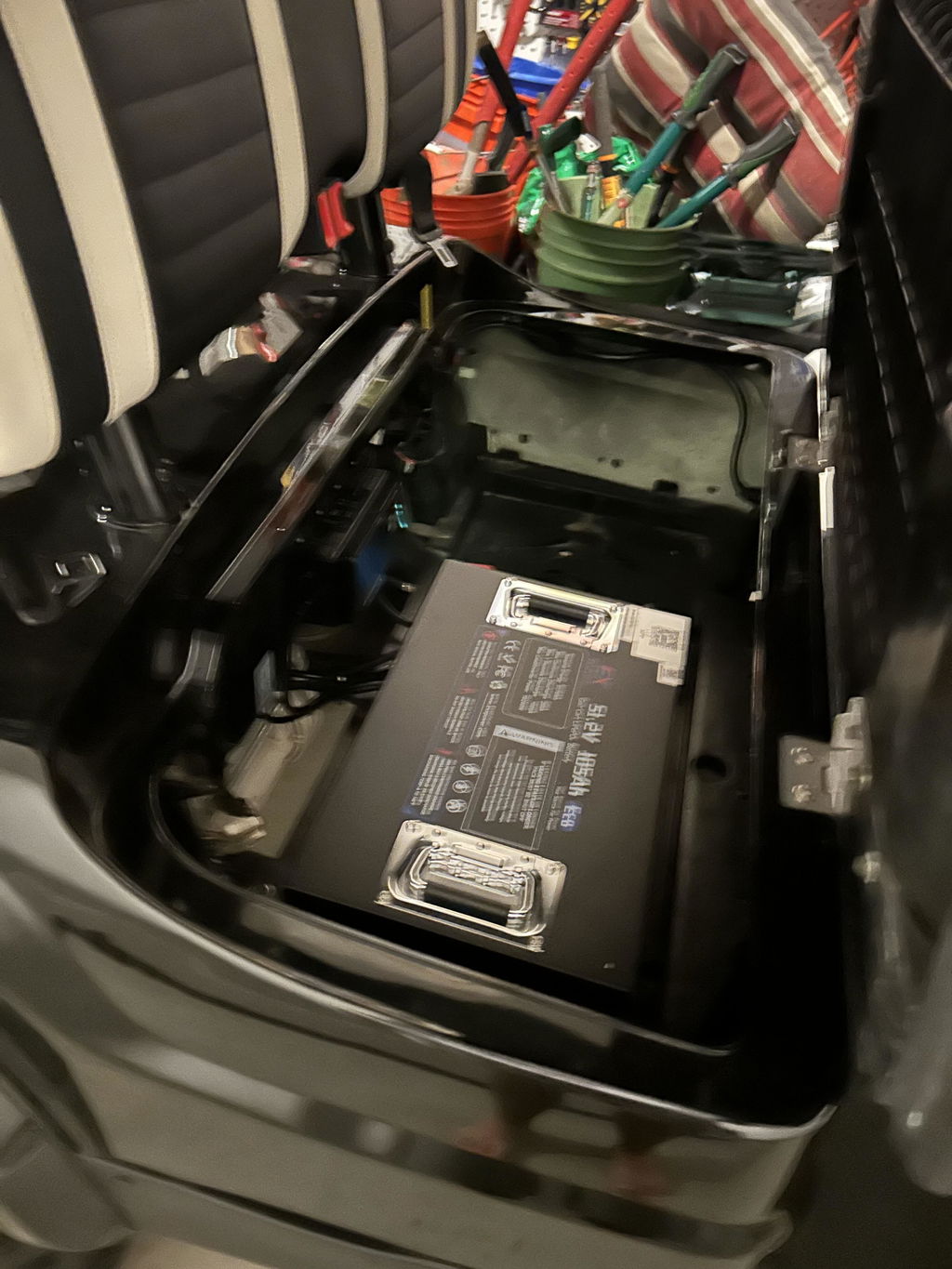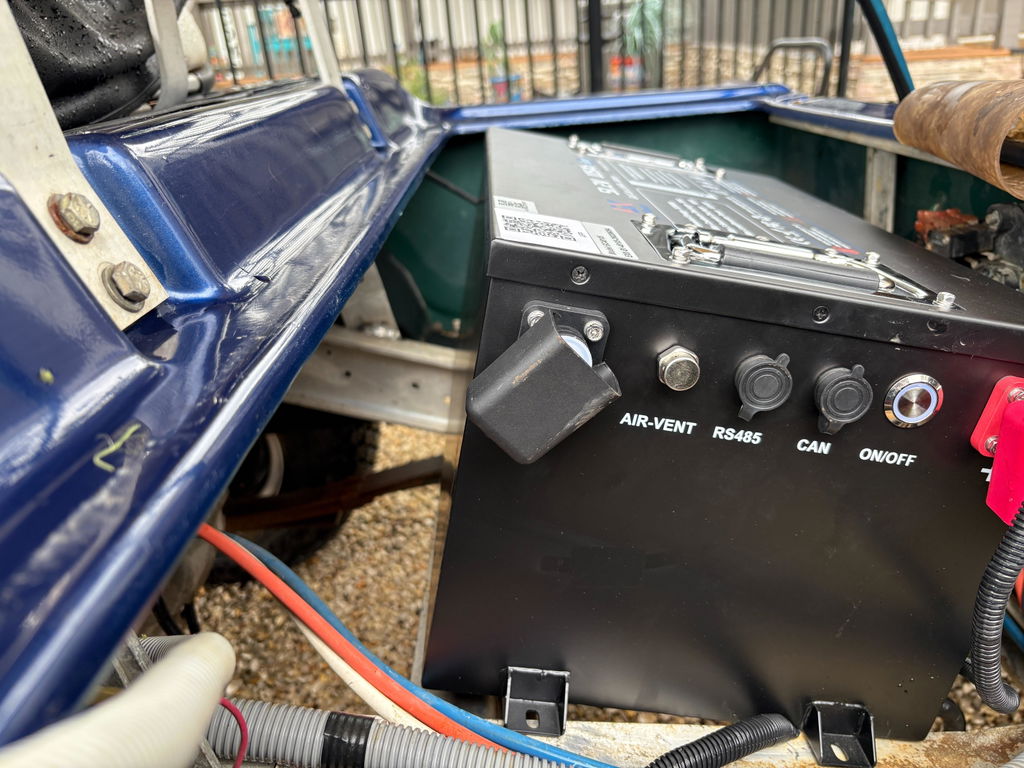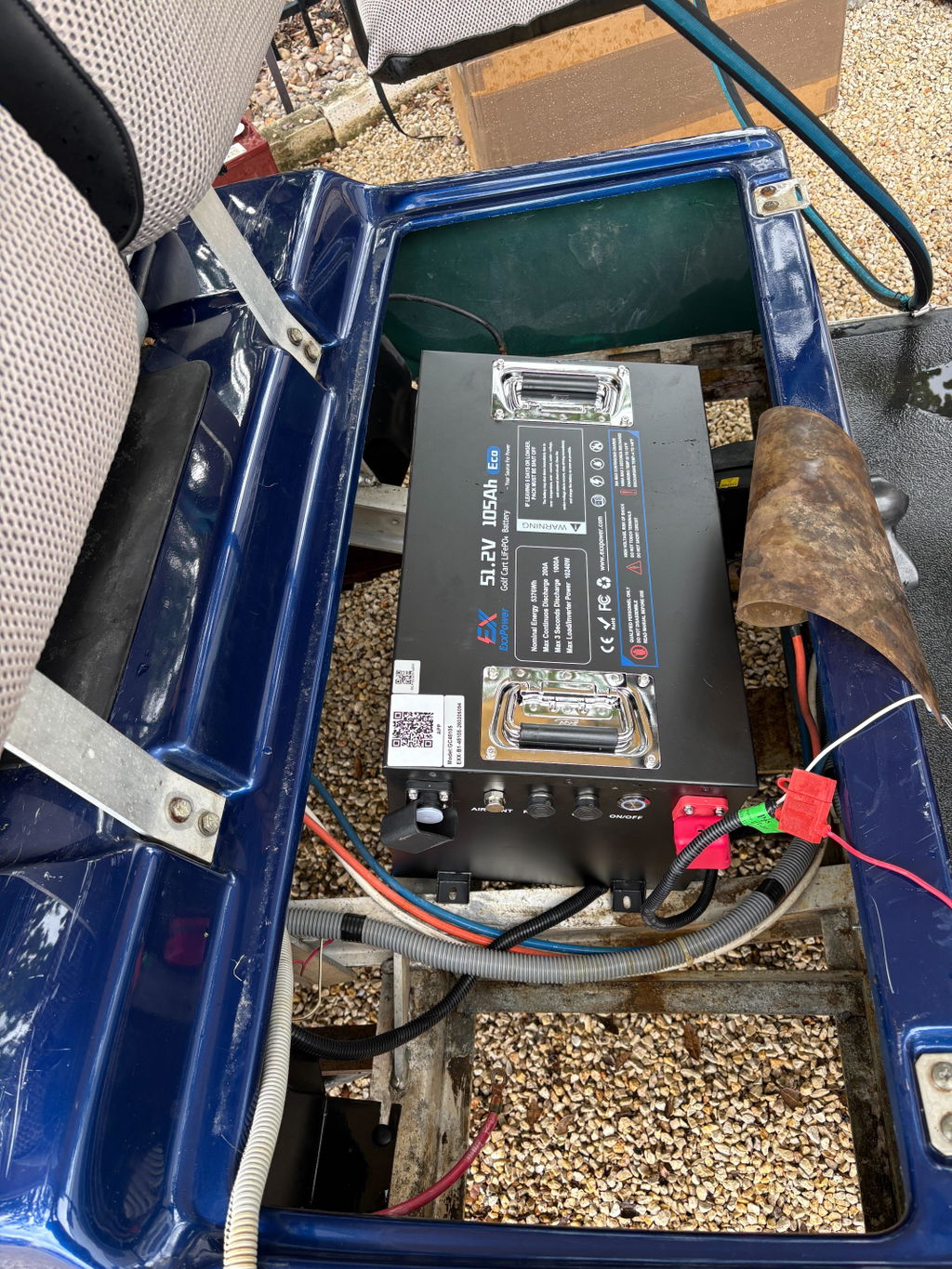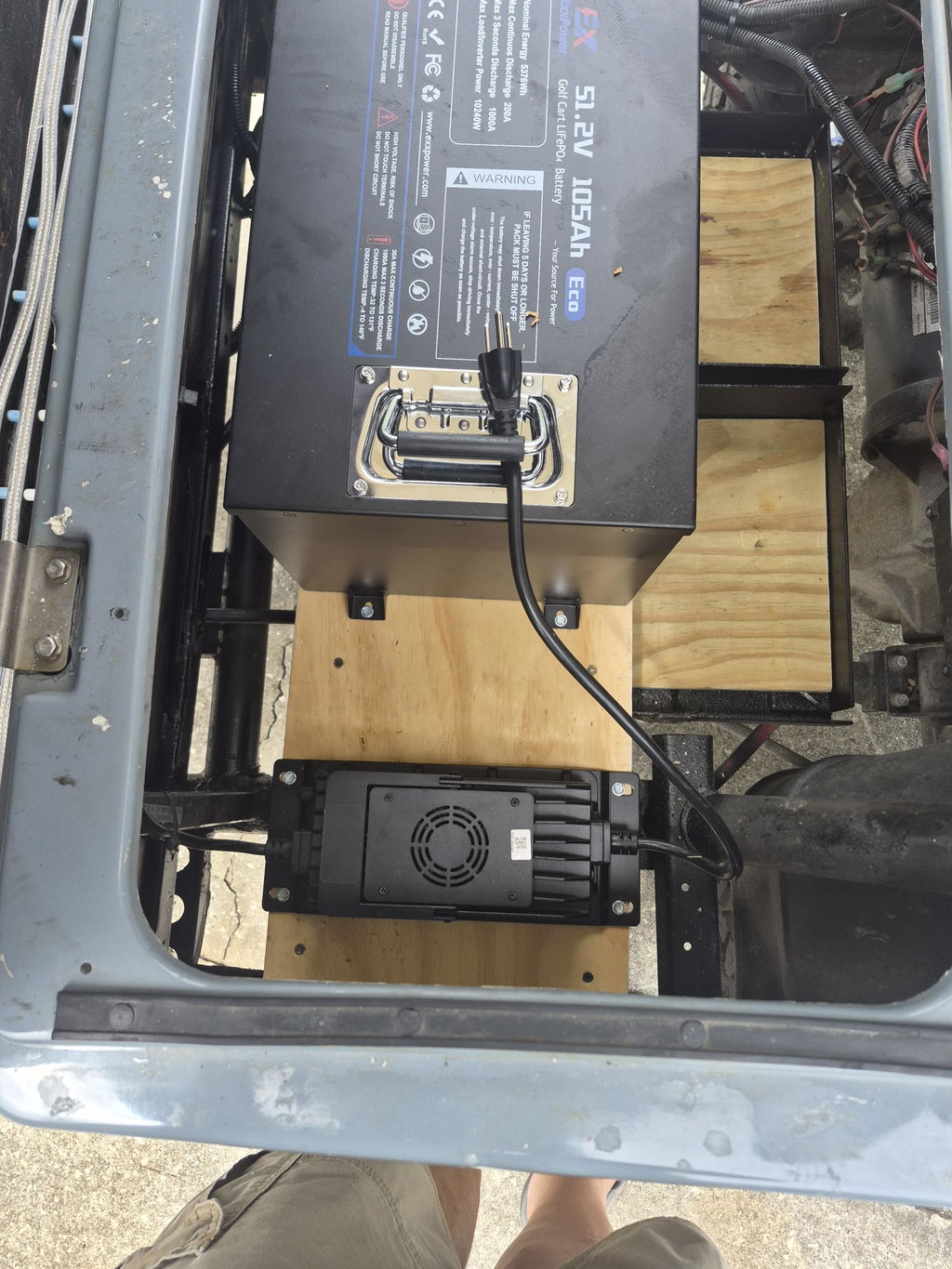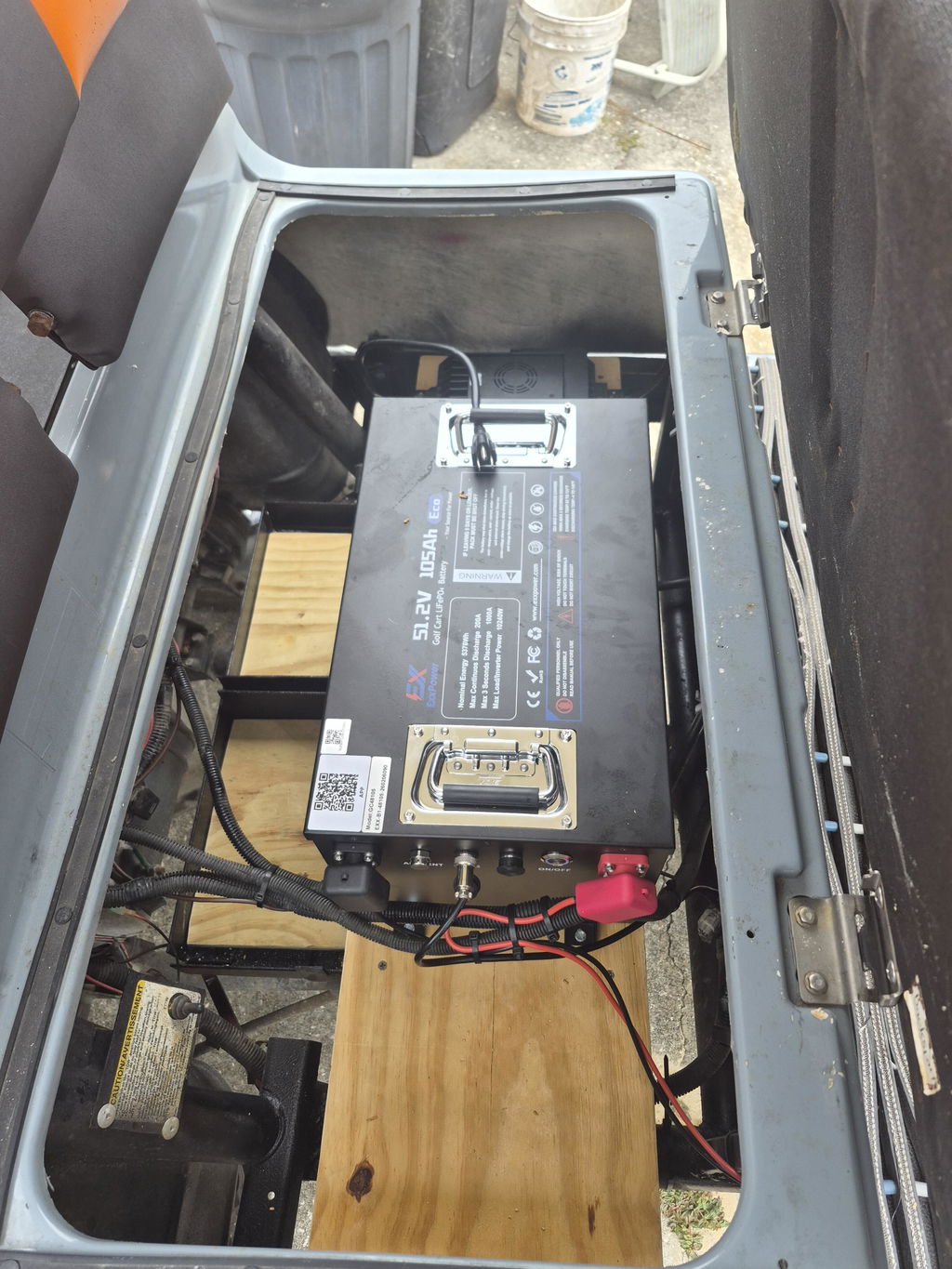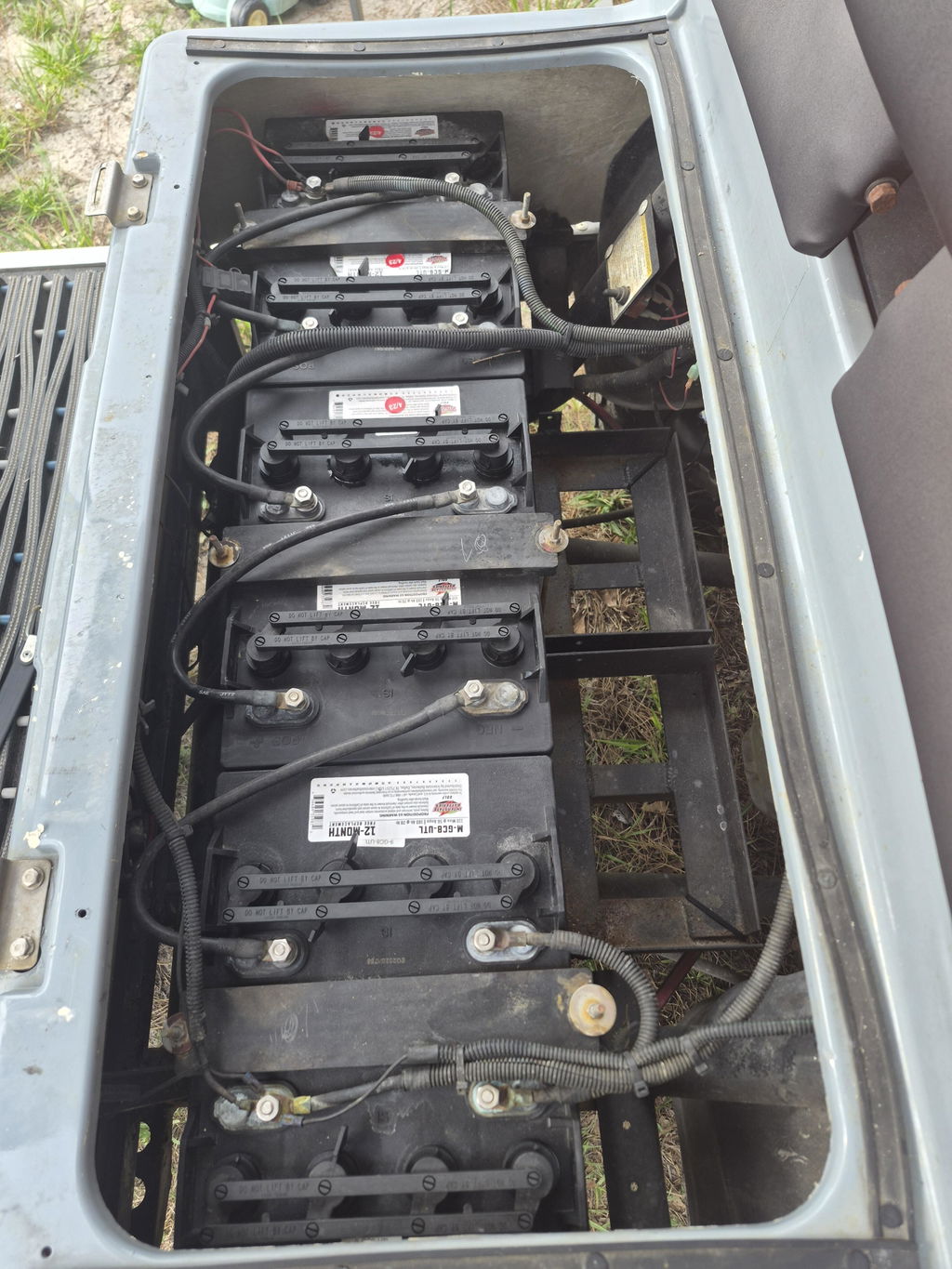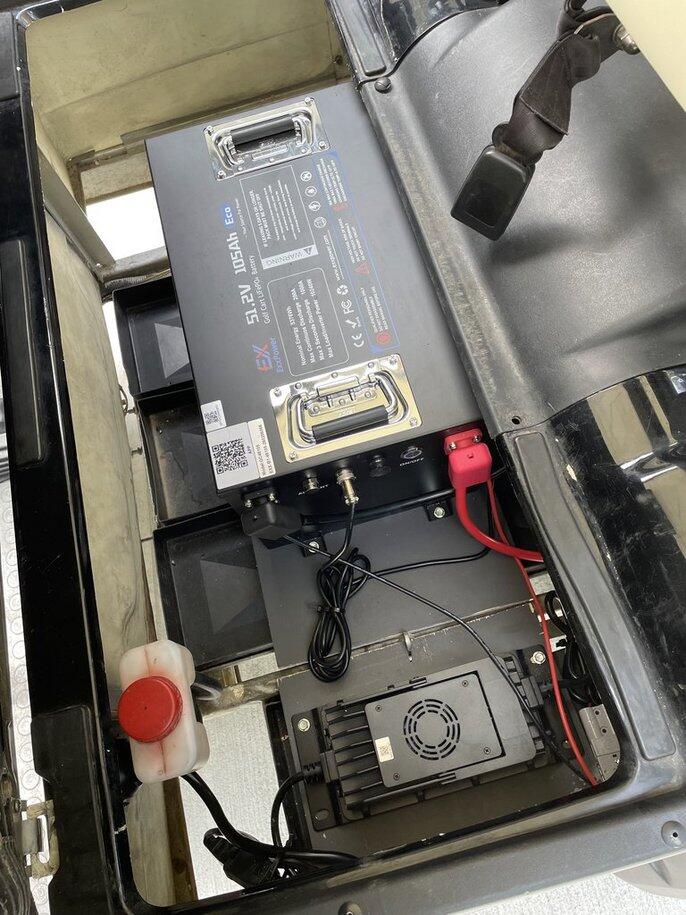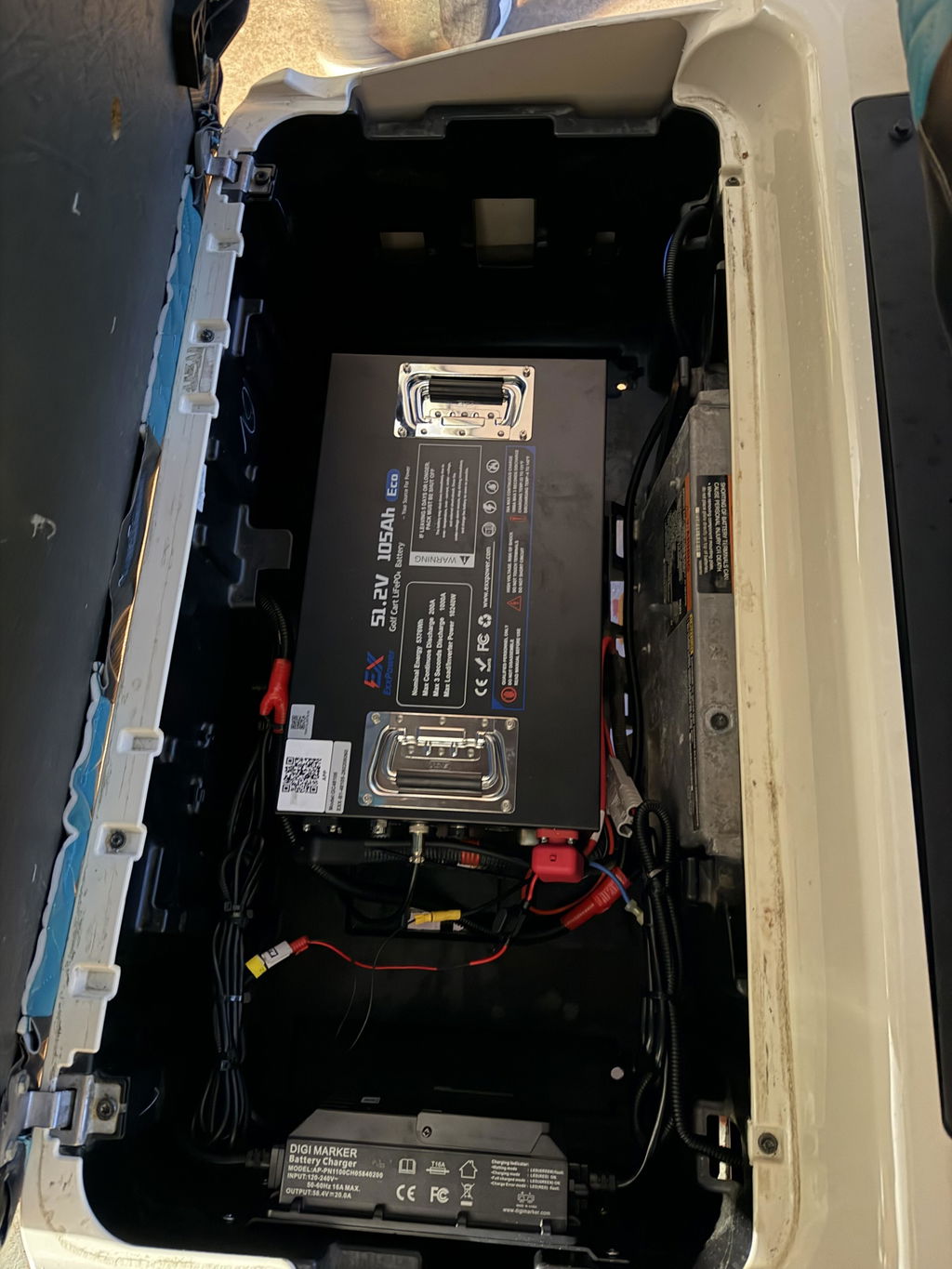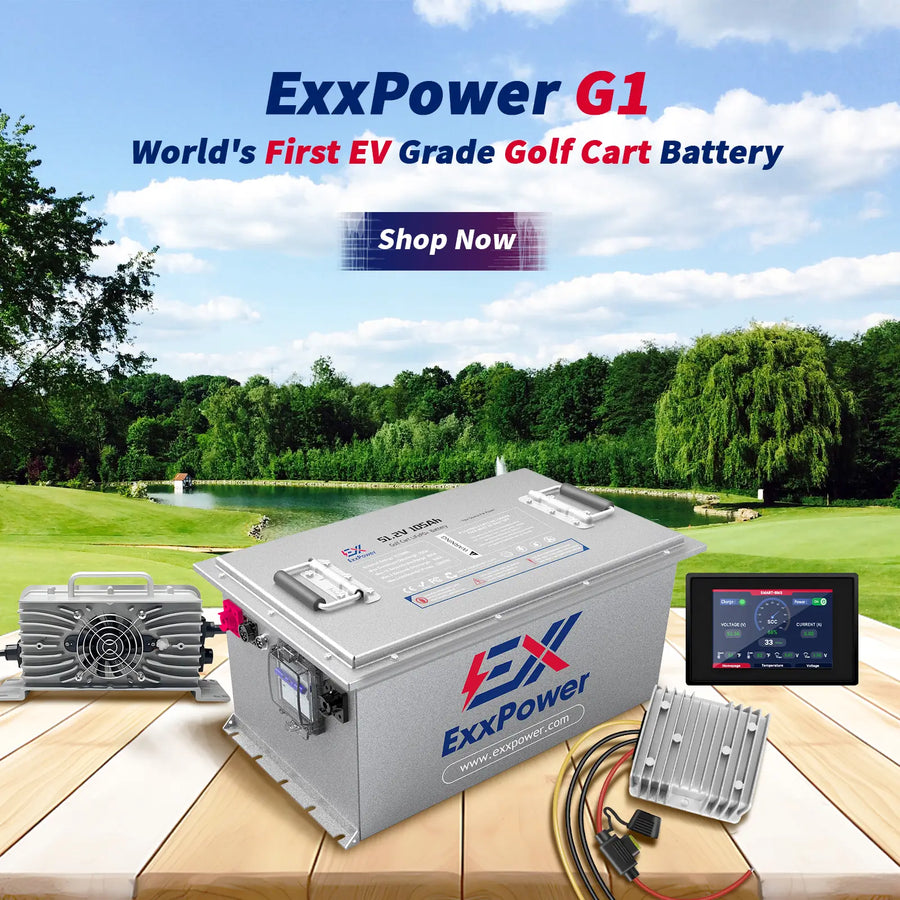




🔥ExxPower C1 36V / 48V/ Golf Cart Battery (Ready to Ship | Next-Day Dispatch)
🚛The price includes shipping.
Direct Discounts Applied! No promo codes required—the price you see is the lowest price.
- In stock, ready to ship

Related Products

Ship in 1-4 business day Shipping Time: 1-4 business days

Tech support within 24h

14 Days Money-Back Guarantee

Continuously Optimized Software

100% coverage for returns, lost, damaged, and delayed shipments.
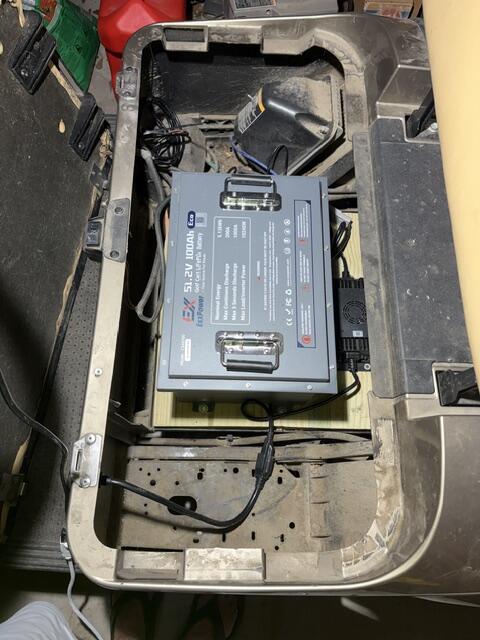
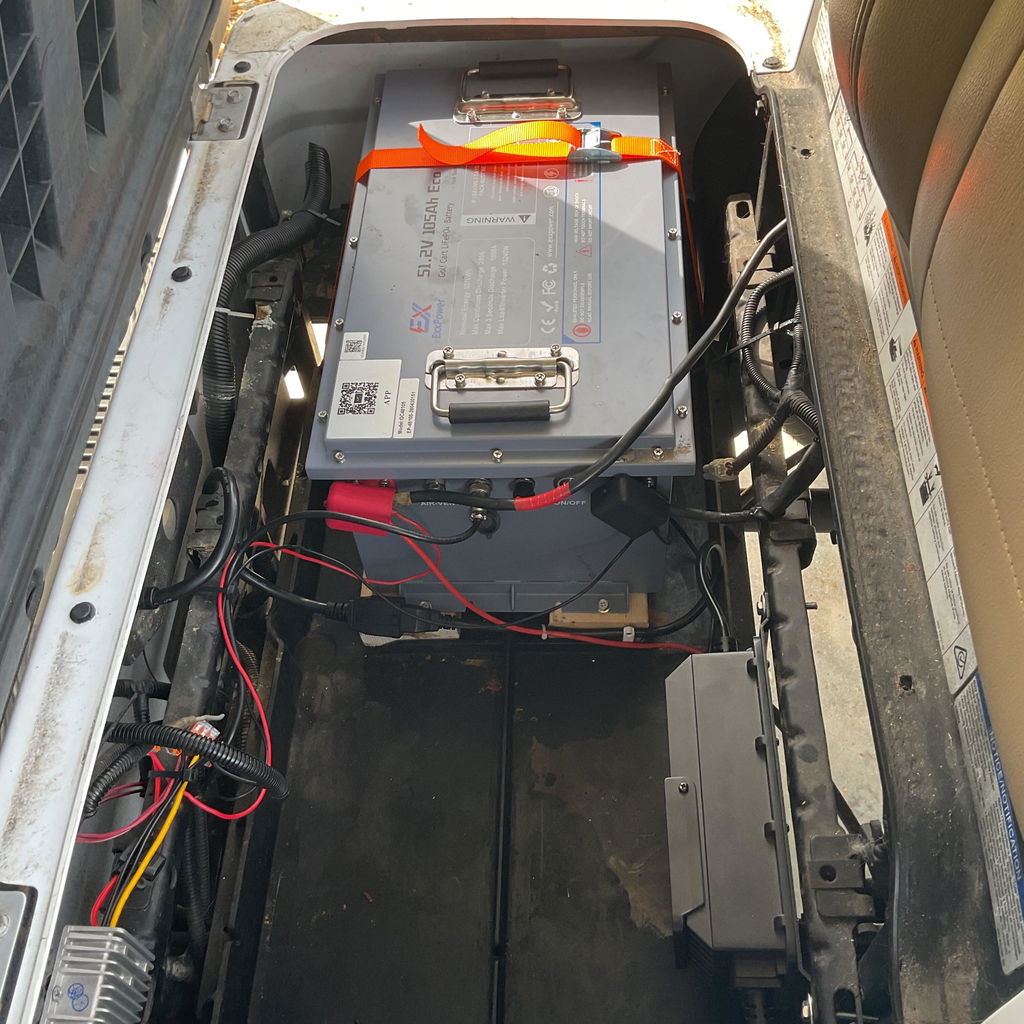
⚡ Born for 48V Golf Carts: Compatible with all major brand controllers. Powered by UL-certified Grade A cells, it delivers 5kWh+ capacity and 10.24kW continuous / 51.2kW peak power, 50% stronger performance.
⚡ 200A BMS Strong Protection: Built-in 200A BMS supports 1000A peak (3-5s), 600A (30s), and 200A continuous current. Full protection and maintenance-free.
⚡ 50+ Miles Long Range: 5.37kWh capacity supports a 3KW motor for over 50 miles (approx. 7 x 18-hole rounds), eliminating range anxiety.
⚡ 4000+ Deep Cycles: Delivers 4000+ cycles at 80% DOD, lasting 10x longer than lead-acid batteries (300-600 cycles).
⚡️15A Charging with Protocol: Charge from 0 to 100% in 6 hours.
⚡ Compact Size & Easy Install: Optimized design with dimensions of
C1 (Without Base/Feet): 18.50 L x 10.24 W x 8.66 H
C1-PLUS (Without Base/Feet) 17.9L x 12.5W x 10.1H
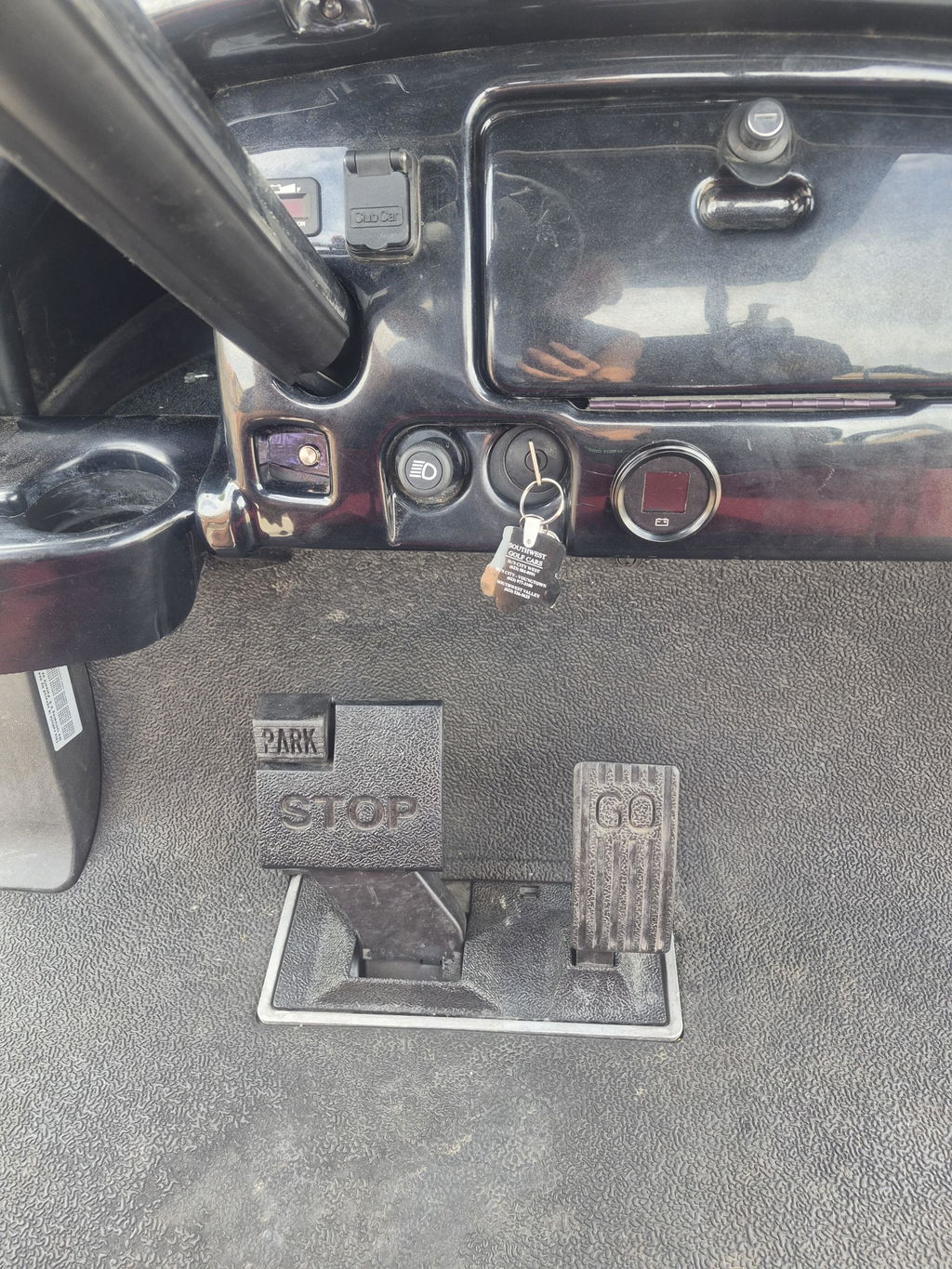
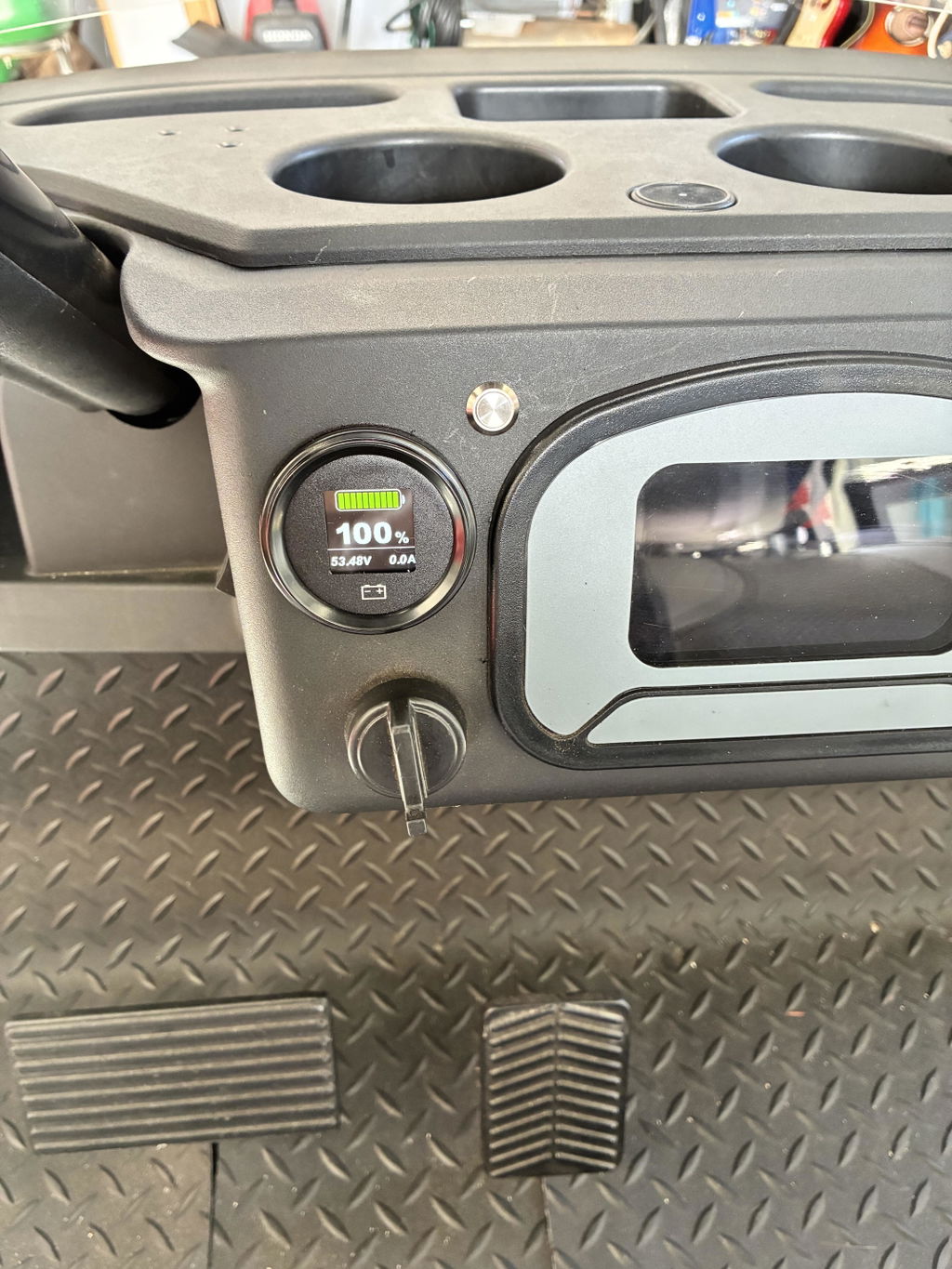
⚡ Smart Dual Monitoring: Includes LCD Monitor and Mobile App. Track battery status in real-time and troubleshoot issues quickly and accurately.
⚡80+ Rigorous Factory Tests – Every single unit undergoes 80+ strict quality inspections before leaving the factory, including high-impact vibration, extreme temperature, and short-circuit protection tests to guarantee 100% reliability.
🔋 ① It's recommended to keep the battery level above 10% during daily use~
⚠️ ② Try to avoid draining the battery to 0%~ Over-discharging may trigger the protection mechanism, and such human-induced damage is not covered under warranty~
📦 ③ If storing for a long time, remember to keep the battery level around 80% and check the remaining power occasionally~
- M8 Terminals - Torque Tension Recommendation is 8-12N·M
- Pack Certifications: UN38.3, CE
- Cell Certifications: UL1642, UL2580, UN38.3