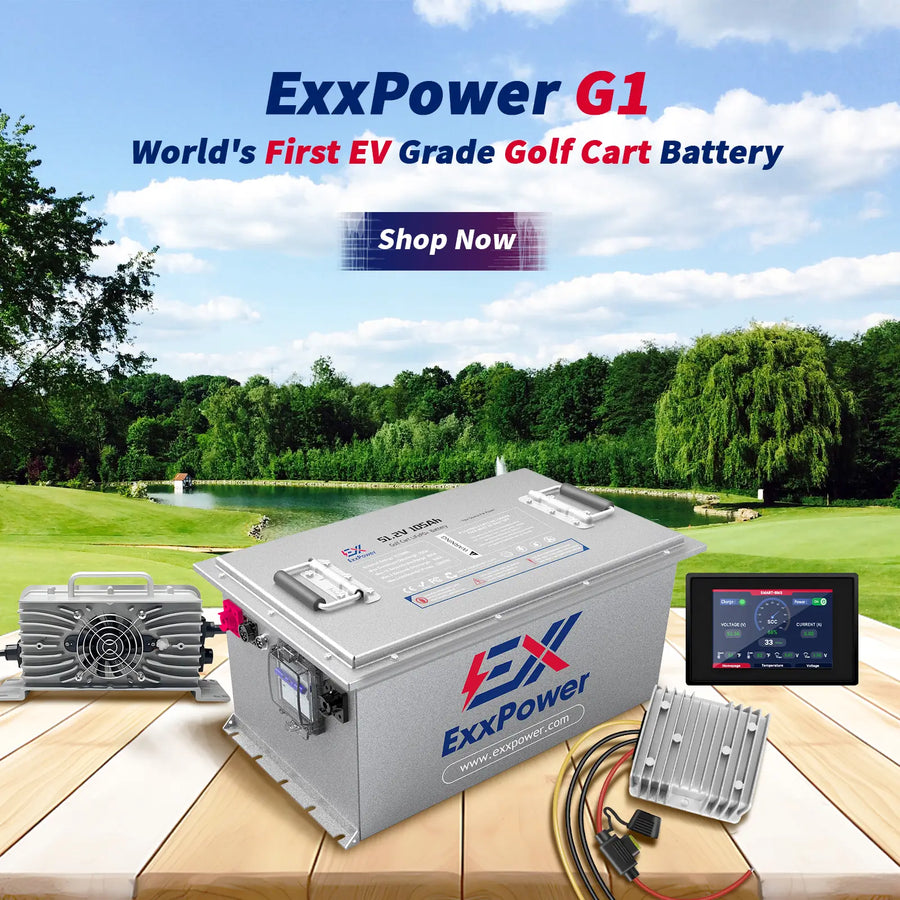


How to Bypass the OBC on a 2004 EZGO TXT (PDS 36V) for ExxPower Lithium Upgrades

Upgrading your 2004 EZGO TXT to an ExxPower lithium battery pack is a massive performance jump. However, immediately after physical installation, the cart might appear completely dead. Don't panic. Your new ExxPower battery is functioning perfectly. The culprit is simply the factory On-Board Computer (OBC) safety lockout.
Because ExxPower lithium batteries feature an advanced built-in Battery Management System (BMS) and utilize a dedicated smart charger, the legacy OBC misinterprets the new system and cuts power to your controller. To get your cart back on the turf, follow this quick step-by-step OBC bypass guide.
Core Principle: Why Bypass the OBC?
The OBC on traditional EZGO PDS systems features a safety lockout function. When a factory charger is plugged in, the OBC cuts vehicle power so you cannot drive away with the cord attached. When upgrading to lithium, your new ExxPower system operates independently of this legacy logic. We bypass the OBC so the motor controller permanently senses that the vehicle is ready to drive.
Step 1: Safety and Preparation
1. Remove the key from the ignition.
2. Flip the Run/Tow switch under the seat strictly to the TOW position to protect your motor controller from frying.
3. Disconnect and remove the old lead-acid batteries.
Step 2: Bypassing the OBC (Restoring Vehicle Operation)
Locate the wiring harness connecting the original charging receptacle to the OBC. Look for a thin red wire (with an inline fuse holder) and a thin white wire (on some model years, this might be yellow or blue—check the back of the receptacle to verify).
Part 1: Activate the Controller
• Locate the thin red wire with the inline fuse coming from the back of the charging receptacle.
• Connect this wire directly to the main Positive (+) terminal of your new ExxPower lithium battery (36V or 48V).
• This sends a constant positive signal to the controller, removing the charging lockout permanently.
Part 2: Handling the Charging Receptacle (If reusing the factory plug)
If your new ExxPower charger has a standard EZGO 36V D-plug and you plan to keep the factory receptacle:
• Thick Red Wire: Connect from the back of the receptacle directly to the main Positive (+) terminal of your ExxPower battery.
• Thick Black Wire: Pull it out of the OBC center hole (or cut it neatly) and connect it directly to the main Negative (-) terminal of your ExxPower battery.
Note: Because legacy receptacles contain internal diodes or degrading relays, the best professional practice is to decommission the factory receptacle and install the fresh charging receptacle provided with your ExxPower kit.
Step 3: Remove or Disable the OBC
1. Unplug the small wiring harness (2-pin or 3-pin plastic connector) going into the OBC.
2. Pull the thick black ground wire entirely out of the OBC's center sensor hole.
3. Unbolt the OBC housing from the golf cart frame and remove it completely.
Inspection and Testing Sequence
1. Verify that all ExxPower battery terminals are clean and torqued down securely.
2. Flip the Run/Tow switch back to the RUN position.
3. Insert the key, select Forward, and gently apply pressure to the accelerator pedal.
4. Plug in your dedicated ExxPower charger to confirm that the battery BMS begins its normal charging cycle.
Upgrade Your Ride with ExxPower Confidence
Bypassing the obsolete OBC unlocks the true power, faster acceleration, and zero-maintenance experience of your cart. ExxPower lithium battery kits are engineered to replace legacy setups seamlessly, coming complete with an integrated smart BMS and matching high-efficiency charger.
If you have any questions about the wiring assembly or want to explore our high-performance lithium upgrades, visit our full product lineup online or reach out directly to the ExxPower technical support team today.

Leave a comment